Sample build · Kadence Blocks on WordPress
Resource hub, data page and map template
A working WordPress site built only with core blocks, Kadence Blocks and the Kadence theme. No page builder, no custom plugin, no custom post types. All content is fictional sample data.
Open the live WordPress demoRuns in your browser with WordPress Playground. It takes about 30 seconds to load, and every visit is a fresh copy, so feel free to open the editor and change anything.
What's in it
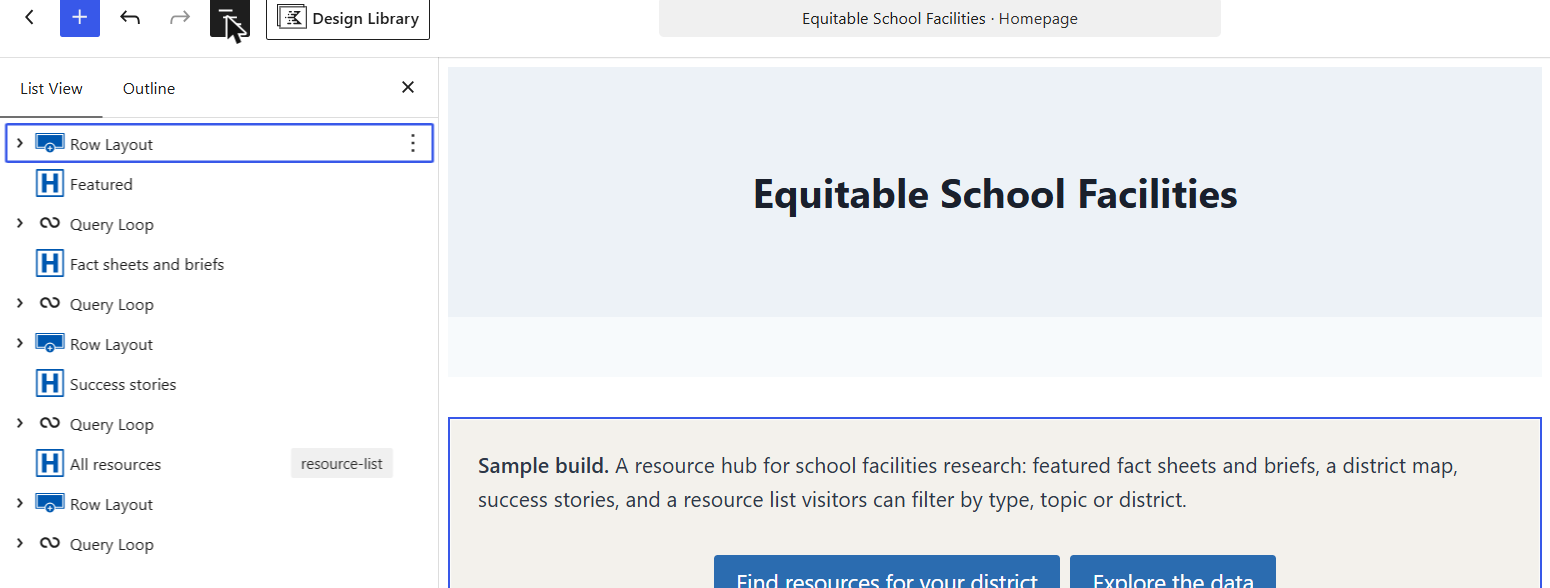
- Resource hub: featured items, fact sheets and briefs, a district map, success stories, and a full resource list. Every section pulls from posts automatically.
- Filters and district finder: resource type and topic are categories; districts are tags. Visitors filter with standard WordPress dropdowns, so staff only tag posts and the hub updates itself.
- Data page: a featured finding, secondary findings, an "Explore the data" accordion with data tables, and a district finder.
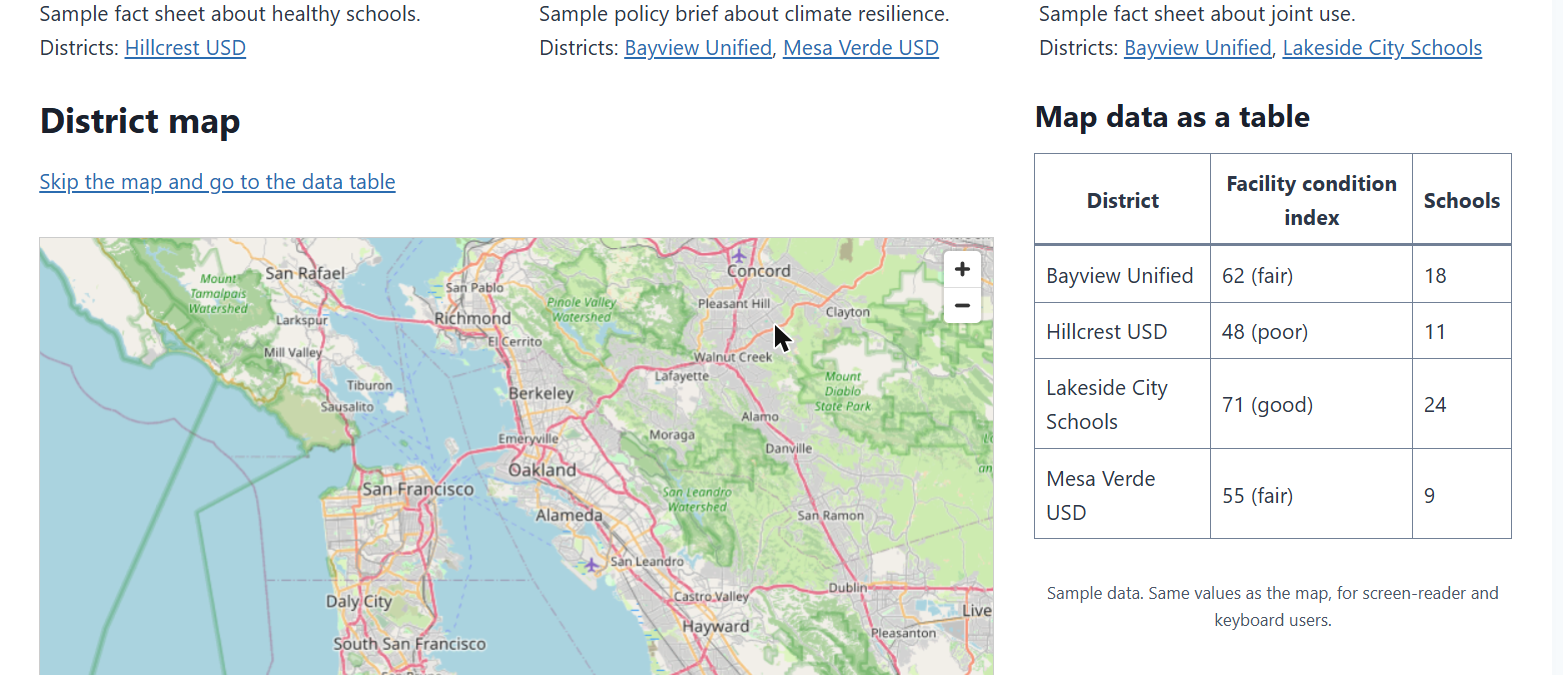
- Map and dashboard template: the embed sits next to an accessible data table, with a "skip the map" link. It's saved as a reusable pattern ("Dashboard or map page"), so staff can start a new page from the same layout.
- Staff guide page: four steps to add a new map page, and how to tag a resource.
Accessibility check
Automated test with axe-core 4.10 (rules: WCAG 2.0/2.1 A and AA, plus best practices), run on each page while logged out.
| Page | Violations | Rules passed | Flagged for manual review |
|---|---|---|---|
| Resource hub | 0 | 48 | Text contrast on the tinted intro box; map iframe (content from another site) |
| Facilities data | 0 | 43 | Text contrast on the tinted finding box |
| Map page template | 0 | 43 | Map iframe (content from another site) |
| Staff guide | 0 | 37 | None |
Automated tools catch only part of WCAG. A real build adds manual keyboard testing (tab order, visible focus, accordion and dropdown operation) and a WAVE pass, and the embedded ArcGIS and Tableau content is checked on its own.